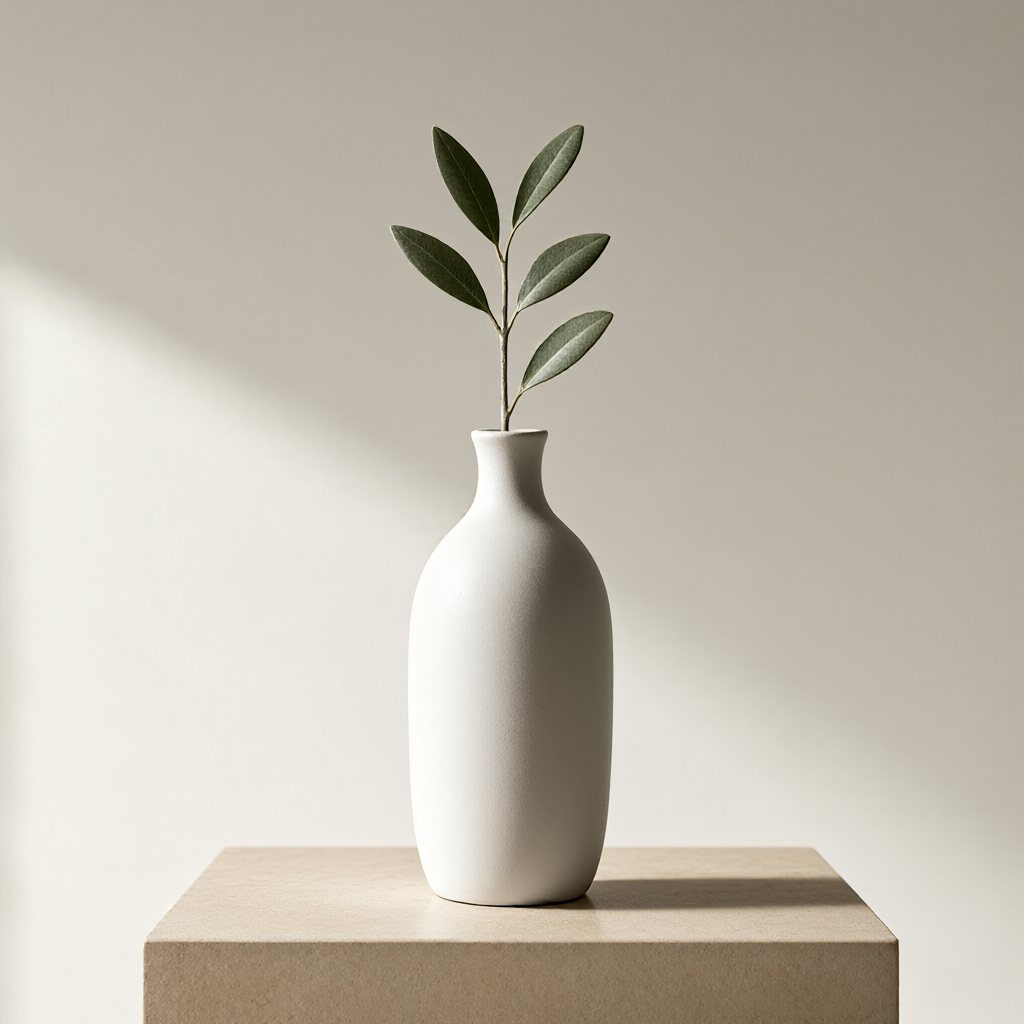
Product still life
A matte white ceramic vase with a single olive branch on a warm beige plinth, soft side window light, subtle shadows, minimal editorial product photography, no lettering, no logo
VUBILO AI
Turn your ideas into images. From social graphics and product concepts to storybook illustrations, describe what you imagine and create it with Vubilo AI. No sign-up. Generate, then download.
Describe the subject, setting, style and light, then generate.
Describe the subject, setting, style and lighting, or start with an example below.
Choose an aspect ratio and 1K or 2K resolution, then generate.
Review and download the result. Reuse and edit your prompt to try a different version.
These 1K examples were generated with this tool using the English prompts shown. Chinese and Spanish prompts are translations. Generating again with the same prompt will produce different results.
A matte white ceramic vase with a single olive branch on a warm beige plinth, soft side window light, subtle shadows, minimal editorial product photography, no lettering, no logo
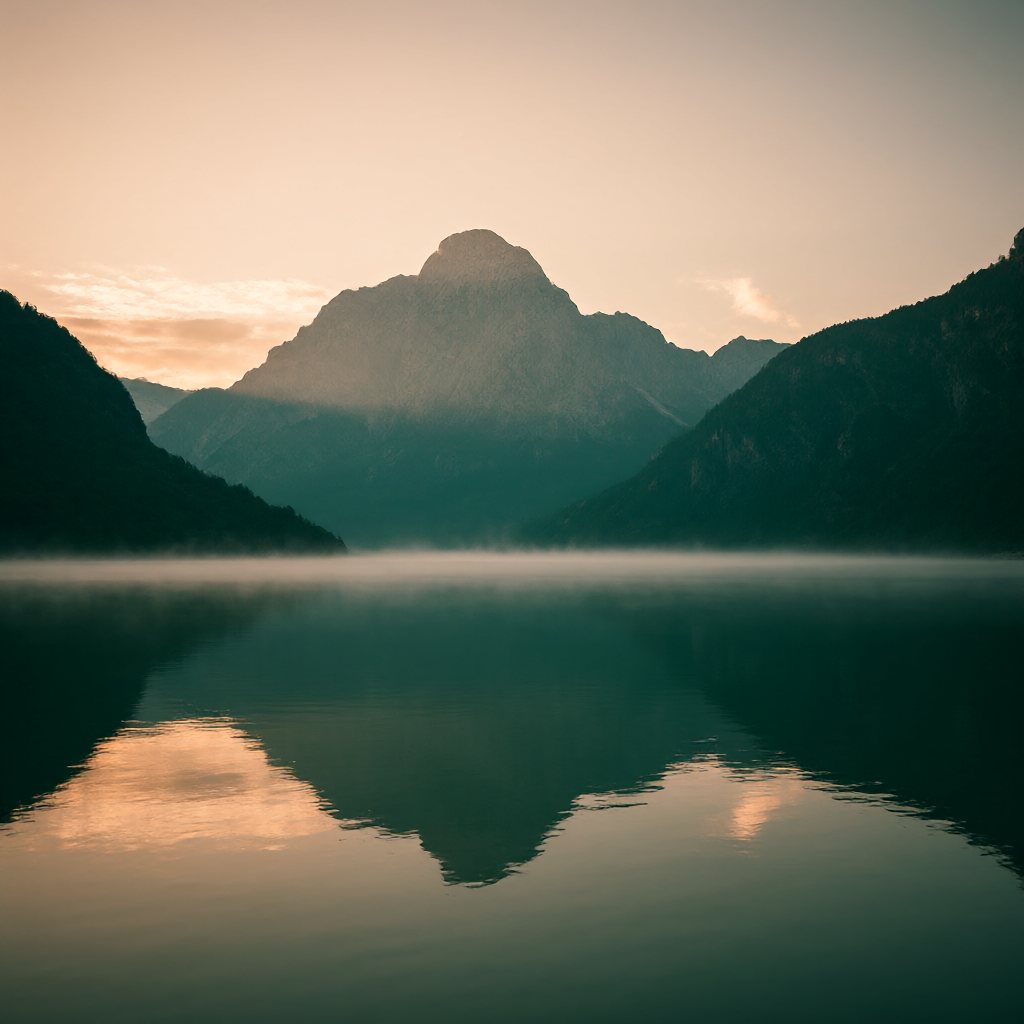
A quiet alpine lake at dawn, distant mountain peaks, mist drifting over still water, muted teal and warm peach colors, cinematic landscape photography, no people, no text
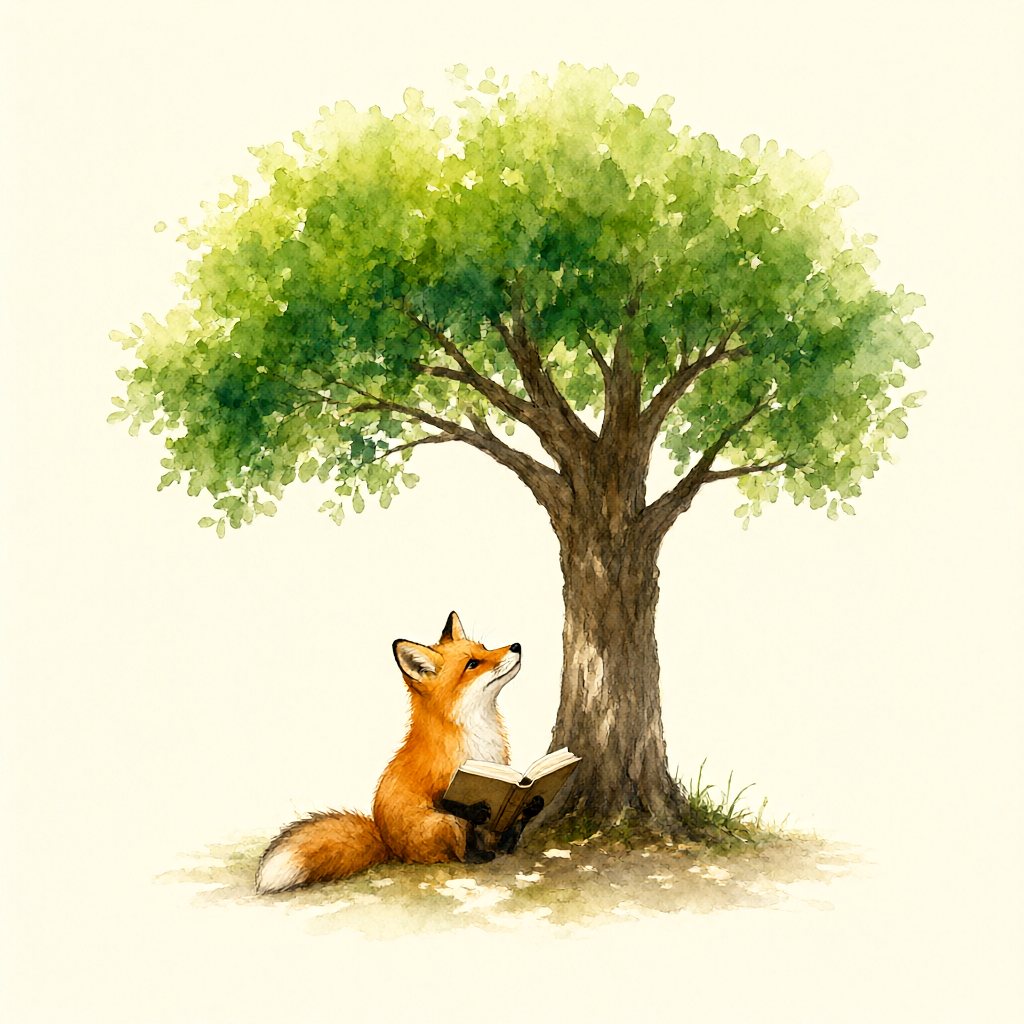
A small orange fox reading a book beneath a large leafy tree, gentle watercolor illustration on warm ivory paper, simple composition, storybook mood, no text
Separate subject, material and light to reduce ambiguity. This is a creative still life, not a real product photograph.
Mist and distant peaks establish depth. Inspect shoreline edges and reflections; choose a landscape ratio first for a wide cover.
Watercolor, paper and simple composition define the style. Inspect paws, pages and branches; character consistency across images is not guaranteed.
Use 1:1 for square images; 3:4, 2:3 or 9:16 for portraits; and 4:3, 3:2, 16:9 or 21:9 for landscapes. Start with 1K to explore ideas and use 2K for more pixels. Tiers are not fixed dimensions: square 1K is 1024×1024, while 16:9 at 2K is 2624×1472. For an exact canvas size, download and resize with an image tool.
Combine subject, setting, style, lighting and composition. Change one factor at a time and specify requirements such as “no text” or “simple background”. Generated details or lettering may be inaccurate; review results before use. This page currently supports text-to-image only, without reference uploads, image editing or multi-image composition.
Yes. No account, login or credit purchase is currently required. Enter a prompt, choose a ratio and resolution, then generate and download. Request-rate and capacity limits apply; this is not unlimited generation. If the service is busy or a limit is reached, follow the page message and retry later. History stays in this browser.
Local history keeps up to 20 recent images. When the 21st image is successfully saved, the oldest image data and prompt are automatically removed. Each new saved image follows the same rule. Files already downloaded to your device are unaffected.
History stays in this browser and does not sync to other devices or browsers. Deleting images, clearing site data, ending a private browsing session or browser storage eviction can remove records. Download images you want to keep.
If browser storage is full or unavailable, an image may not be saved to history. You can still download the current generated image; do so before refreshing or closing the page. Delete unwanted history before trying another generation.
Generating new images requires internet and sends your prompt to the AI service. Image history is stored in this browser. Open the page online to view it, or download images to keep them on your device.